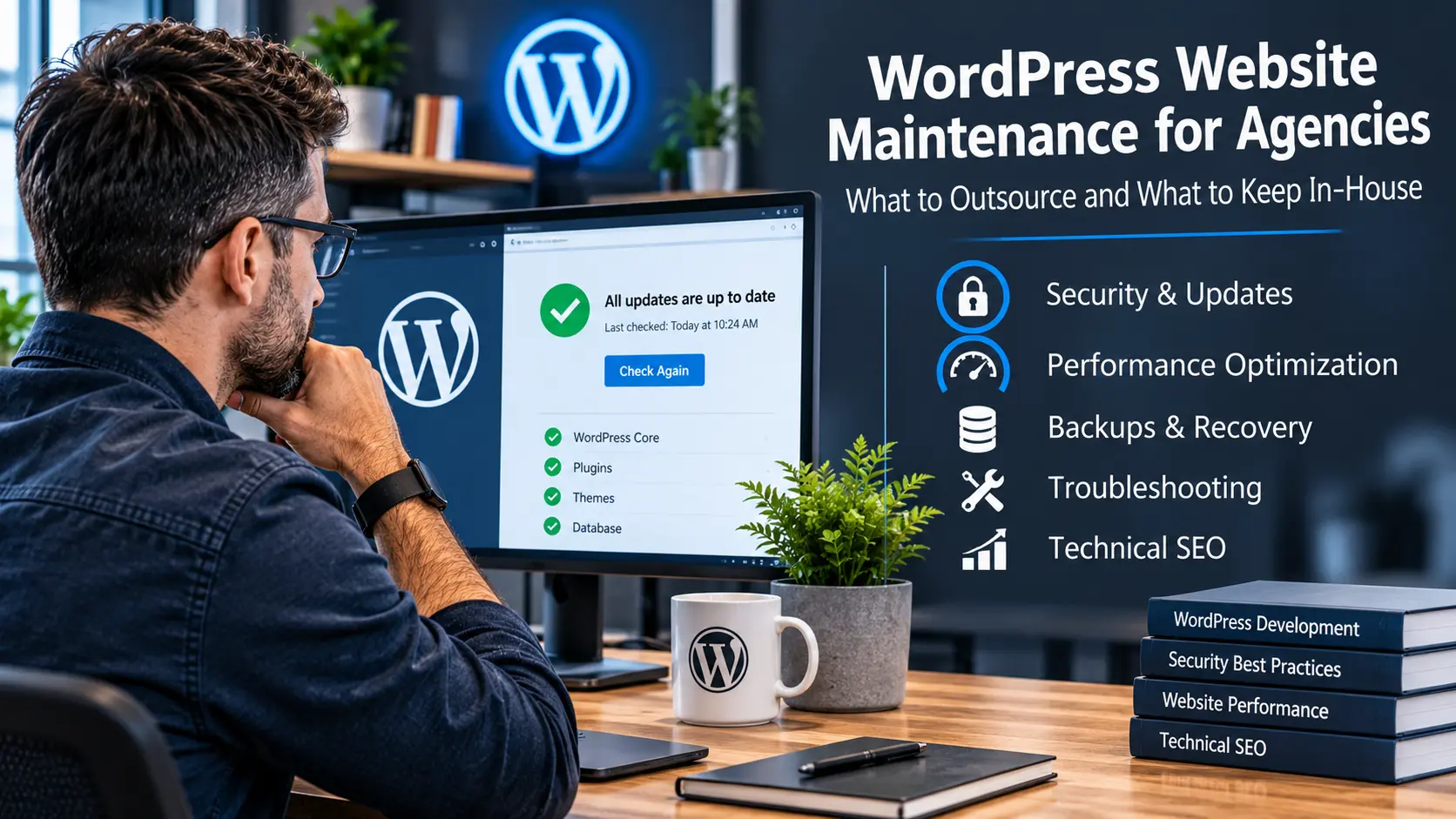
Launching a website is only the beginning of a client’s online journey. Once a WordPress website goes live, it needs regular updates, security monitoring, performance checks, troubleshooting, and occasional technical improvements.
For web design and digital marketing agencies, this creates an ongoing responsibility that can quickly consume valuable development time.
The challenge is not simply maintaining websites. It’s deciding which tasks should remain part of your internal workflow and which are better handled by a dedicated WordPress development specialist.
A well-organized maintenance process helps agencies protect client websites, reduce operational overhead, and focus on the work that drives business growth.
In this guide, we’ll look at the essential WordPress maintenance tasks, how to organize them, and when outsourcing technical support makes sense.
Why WordPress Maintenance Matters for Agencies
WordPress is flexible and relatively easy to manage, but it still requires ongoing technical attention.
Themes, plugins, and WordPress core receive regular updates. Hosting environments change. Security vulnerabilities are discovered. Client requirements evolve.
Ignoring these responsibilities can lead to:
- Security vulnerabilities and compromised websites.
- Plugin and theme compatibility issues.
- Broken layouts or website functionality.
- Slower page loading times.
- Contact forms and integrations that stop working.
- Unexpected downtime and frustrated clients.
For an agency managing multiple WordPress websites, even small maintenance tasks can accumulate into a significant workload.
Without a consistent process, developers end up switching between client projects, emergency fixes, routine updates, and troubleshooting.
That makes it harder to deliver new projects on time.
7 Essential WordPress Maintenance Tasks
Not every website requires the same level of maintenance, but most business websites benefit from a consistent technical maintenance routine.
1. WordPress Core, Theme, and Plugin Updates
Keeping WordPress components updated is one of the most important maintenance responsibilities.
Updates can introduce security improvements, bug fixes, performance enhancements, and compatibility changes.
However, updating everything immediately without testing can cause problems.
A reliable process should include:
- Reviewing available updates.
- Checking compatibility and release notes.
- Creating a backup before significant changes.
- Testing updates on staging when appropriate.
- Verifying important website functionality afterward.
For agencies managing client websites, this process should be documented and repeatable.
2. Website Backups and Recovery
Backups are essential, but simply having a backup plugin installed is not enough.
Agencies should establish a backup strategy based on each website’s importance and how frequently its content changes.
A maintenance process should cover:
- Automated database and file backups.
- Appropriate backup frequency.
- Off-site backup storage.
- Retention policies.
- Periodic restoration testing.
A backup that cannot be restored when needed provides little protection.
3. WordPress Security
Security should be part of ongoing maintenance, not something addressed only after a website has been compromised.
Basic security measures include:
- Keeping WordPress and extensions updated.
- Removing unused themes and plugins.
- Using strong authentication and appropriate user permissions.
- Configuring firewall and security protections.
- Monitoring suspicious activity.
- Reviewing file permissions and server configuration.
For websites that have already been compromised, malware investigation and cleanup may require a more specialized technical approach.
4. Performance and Core Web Vitals
Website performance can deteriorate over time as clients add content, install plugins, upload large images, and introduce third-party scripts.
Regular performance checks help identify issues before they affect user experience and search visibility.
Common maintenance activities include:
- Image optimization.
- Cache configuration.
- Database cleanup where appropriate.
- Reviewing unnecessary plugins and scripts.
- Checking hosting performance.
- Monitoring Core Web Vitals.
Performance optimization should focus on measurable improvements rather than installing more optimization plugins.
5. Forms, Integrations, and Website Functionality
A website can look perfectly fine while important functionality is broken.
Contact forms may stop delivering messages. SMTP authentication can expire. Payment integrations may fail. External APIs can change.
Agencies should periodically test the functionality that matters most to each client.
This includes contact forms, booking systems, WooCommerce checkout, email delivery, CRM integrations, and other business-critical features.
6. Hosting, DNS, and SSL
Technical problems do not always originate inside WordPress.
Hosting configuration, DNS records, SSL certificates, email authentication, and server settings can all affect website availability and functionality.
Agencies should know who is responsible for these areas and have a clear escalation process when technical intervention is required.
7. Technical SEO Checks
Maintenance also provides an opportunity to catch technical SEO problems.
For example:
- Broken links and unexpected 404 errors.
- Incorrect redirects.
- Accidental noindex settings.
- Sitemap and robots.txt issues.
- Missing or inconsistent structured data.
- Changes that negatively affect page speed.
These checks are particularly important for agencies providing SEO services, where technical website problems can undermine ongoing optimization work.
What Should Your Agency Handle In-House?
Not every maintenance task requires a developer.
Agency account managers, designers, content editors, and SEO specialists can handle many routine responsibilities.
For example:
| Task | Recommended responsibility |
|---|---|
| Publishing blog posts | Content team |
| Updating text and images | Content team |
| Basic content formatting | Content team |
| SEO titles and descriptions | SEO team |
| Reviewing website reports | Account manager |
| Routine technical updates | Developer or maintenance specialist |
| Plugin conflicts | WordPress developer |
| Malware investigation | Security specialist |
| Custom functionality fixes | WordPress developer |
| Server and DNS troubleshooting | Technical specialist |
The goal is to keep routine work within the team while ensuring that complex technical responsibilities are handled by someone with the right experience.
When Should an Agency Outsource WordPress Maintenance?
Outsourcing becomes useful when internal developers spend too much time on recurring maintenance instead of delivering new projects.
It can also make sense when an agency has strong design, branding, or marketing capabilities but lacks dedicated WordPress development resources.
Consider outsourcing when:
- Your team manages more websites than it can comfortably maintain.
- Small technical issues regularly interrupt project delivery.
- You don’t have an in-house developer with advanced WordPress experience.
- You need occasional help rather than another full-time employee.
- Clients expect ongoing technical support after launch.
- Your agency wants to offer maintenance without building an internal technical department.
Working with an external WordPress developer gives your agency access to specialist knowledge without the fixed costs of another full-time position.
Freelance WordPress Developer vs. Maintenance Agency
Agencies have several options when they need external WordPress support.
Two common choices are hiring an independent freelance developer or partnering with a specialized maintenance company.
| Factor | Freelance WordPress Developer | Maintenance Agency |
|---|---|---|
| Communication | Direct | Usually through a team |
| Flexibility | Often project-based | Often package-based |
| Technical relationship | One-to-one | May involve multiple specialists |
| Scope | Can include custom development | Often focused on predefined maintenance |
| Pricing | Depends on scope and agreement | Frequently recurring plans |
| Best suited for | Flexible technical support | Ongoing standardized maintenance |
Neither option is automatically better.
The right choice depends on your agency’s workload, client requirements, and the level of technical support you need.
If your agency needs someone who can maintain websites, troubleshoot complex issues, implement custom functionality, and work directly with your existing team, an experienced freelance WordPress developer can be a practical solution.
How to Build a Reliable WordPress Maintenance Workflow
Outsourcing alone does not guarantee a smooth process. Agencies need clear responsibilities and communication.
Here are five practical steps.
1. Create a Website Inventory
Maintain a central list of client websites, including:
- Website URL.
- Hosting provider.
- WordPress version.
- Active theme and important plugins.
- Backup configuration.
- Maintenance responsibilities.
- Critical integrations.
This makes it easier to understand what needs attention and who is responsible.
2. Define Maintenance Responsibilities
Agree on which tasks are included in the maintenance arrangement.
For example, routine updates and basic troubleshooting may be included, while redesigns, new functionality, and major performance projects may require separate estimates.
Clear boundaries prevent misunderstandings.
3. Use Staging Environments When Appropriate
For important websites, test significant updates and changes in a staging environment before applying them to production.
This is especially useful for WooCommerce stores, membership websites, and websites with custom functionality.
4. Establish a Communication Process
Your external developer should know how your agency handles requests, deadlines, priorities, and client communication.
A simple ticketing system or project management tool can be enough.
The important thing is to avoid unclear instructions and scattered conversations.
5. Report Completed Work
Clients want to know that their websites are being looked after.
A concise maintenance report can include completed updates, backup checks, security actions, performance observations, and issues requiring further work.
This also helps your agency demonstrate the ongoing value of its services.
Maintenance Is More Than Updating Plugins
There is an important distinction between basic WordPress maintenance and ongoing technical development.
A website may be fully updated and backed up but still have outdated architecture, unnecessary plugins, performance problems, or functionality that no longer meets the client’s needs.
A good technical partner should be able to look beyond routine maintenance.
That may involve simplifying the WordPress setup, improving existing functionality, fixing theme and plugin conflicts, optimizing hosting configuration, or implementing new features.
For agencies, this creates an opportunity to offer more value to clients without taking every technical task in-house.
Frequently Asked Questions
How often should a WordPress website be maintained?
WordPress websites should be monitored regularly. Updates should be reviewed as they become available, with backup and testing procedures appropriate to the website’s complexity. Security and functionality checks should also be part of an ongoing maintenance routine.
Can a web design agency outsource WordPress maintenance?
Yes. Agencies can outsource routine technical maintenance, troubleshooting, security work, performance optimization, and ongoing development to an external WordPress specialist.
What is included in WordPress website maintenance?
Typical maintenance includes core, theme, and plugin updates, backups, security monitoring, performance checks, compatibility testing, and troubleshooting. The exact scope depends on the website and maintenance agreement.
Should WordPress updates be performed automatically?
Some updates can be automated, but important business websites should have a process for backups, compatibility checks, and post-update testing. Automatic updates are not a replacement for proper maintenance.
Is a freelance WordPress developer a good option for agency support?
Yes. An experienced freelance developer can provide flexible technical support without requiring the agency to hire a full-time employee. This is particularly useful when development needs vary between projects.
Need a WordPress Development Partner for Your Agency?
Managing client websites should not prevent your team from focusing on design, marketing, and business growth.
Whether you need help with ongoing WordPress maintenance, technical troubleshooting, performance improvements, or custom development, working with an experienced specialist can give your agency additional technical capacity.
I’m Aleksandar, an independent WordPress developer working with web design and digital marketing agencies.
I help agencies with reliable WordPress development, maintenance, troubleshooting, and technical improvements — on a flexible, project-based basis.
You handle the client. I handle the WordPress.
Explore my WordPress development services or view selected projects in my portfolio.
About the Author
Aleksandar Jevtimijević is an independent freelance WordPress developer with 10+ years of experience, based in Serbia and working with agencies and businesses across the US and Europe. His work focuses on custom WordPress development, performance, security, troubleshooting, and maintainable websites built with WordPress.